
Important Document Organizer: Complete Setup Guide

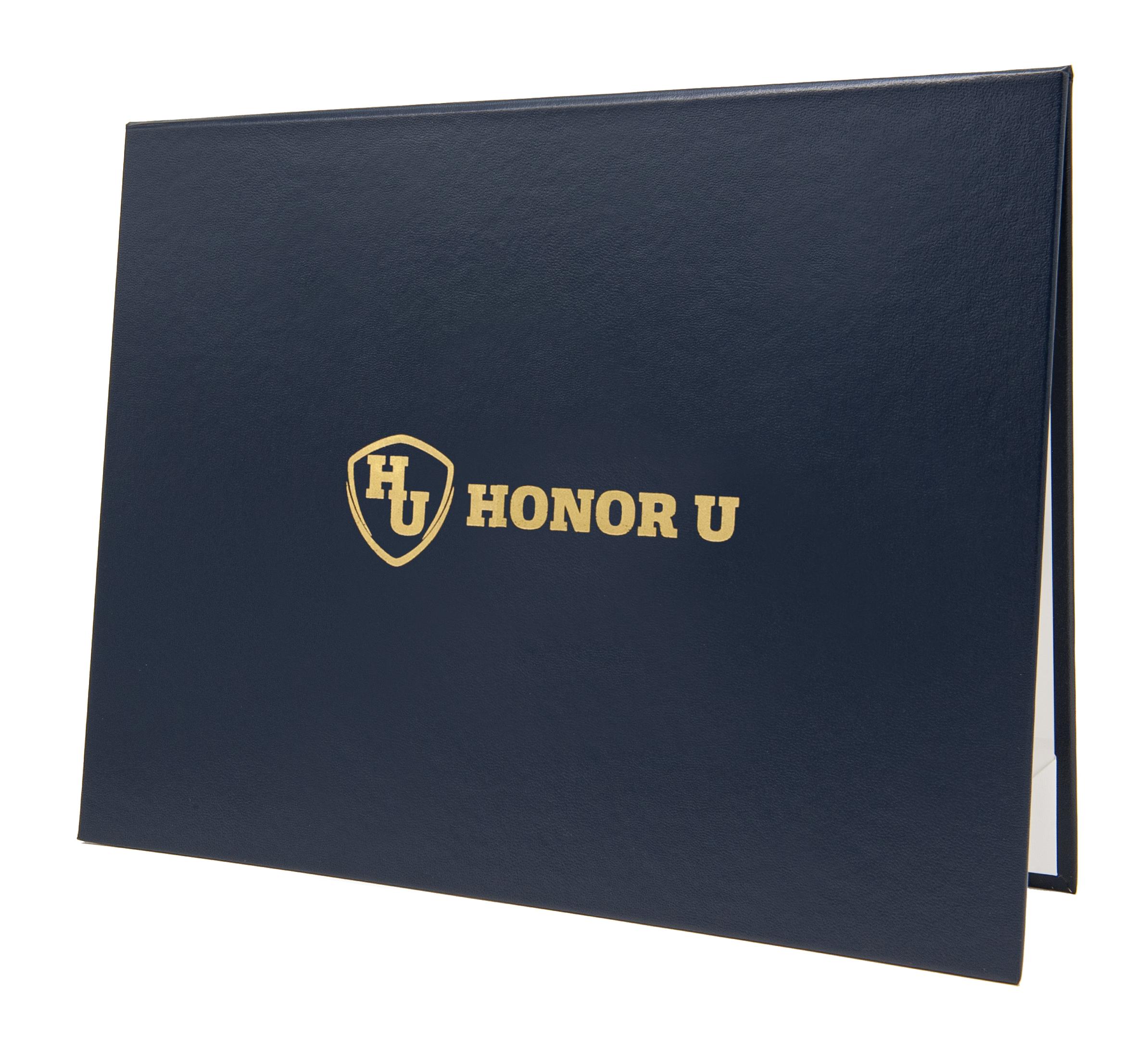
We recently had the pleasure of creating a custom navy blue document cover for the Boys and Girls Club of South Puget Sound. This cover features their logo in a vertical layout, carefully printed in metallic gold foil, offering a polished and professional presentation for their organization.
An important document organizer is a system designed to help you collect, categorize, and securely store your most essential papers—both physical and digital. Whether you’re an individual, a family, or a small business owner, having a well-organized document system ensures that you can quickly access vital records when needed, protect sensitive information, and maintain peace of mind. Organizing important documents matters for security, emergency access, and reducing stress during major life events or unexpected situations. This guide will help you set up an important document organizer, covering everything from sorting vital records to choosing between paper, digital, or hybrid systems.
Quick Time Estimate For Your Document Organizer
Before you begin, it’s helpful to understand the time commitment required for setting up your document organizer. Planning ahead will make the process more manageable and less overwhelming. Depending on how many documents you have and their current state, setting up your organizer can take anywhere from a few hours to a full weekend. Breaking the task into smaller sessions, such as 30- to 60-minute blocks, can make it less daunting. Once the initial setup is complete, scheduling monthly 15-minute maintenance sessions will help keep your organizer current and prevent clutter from building up.
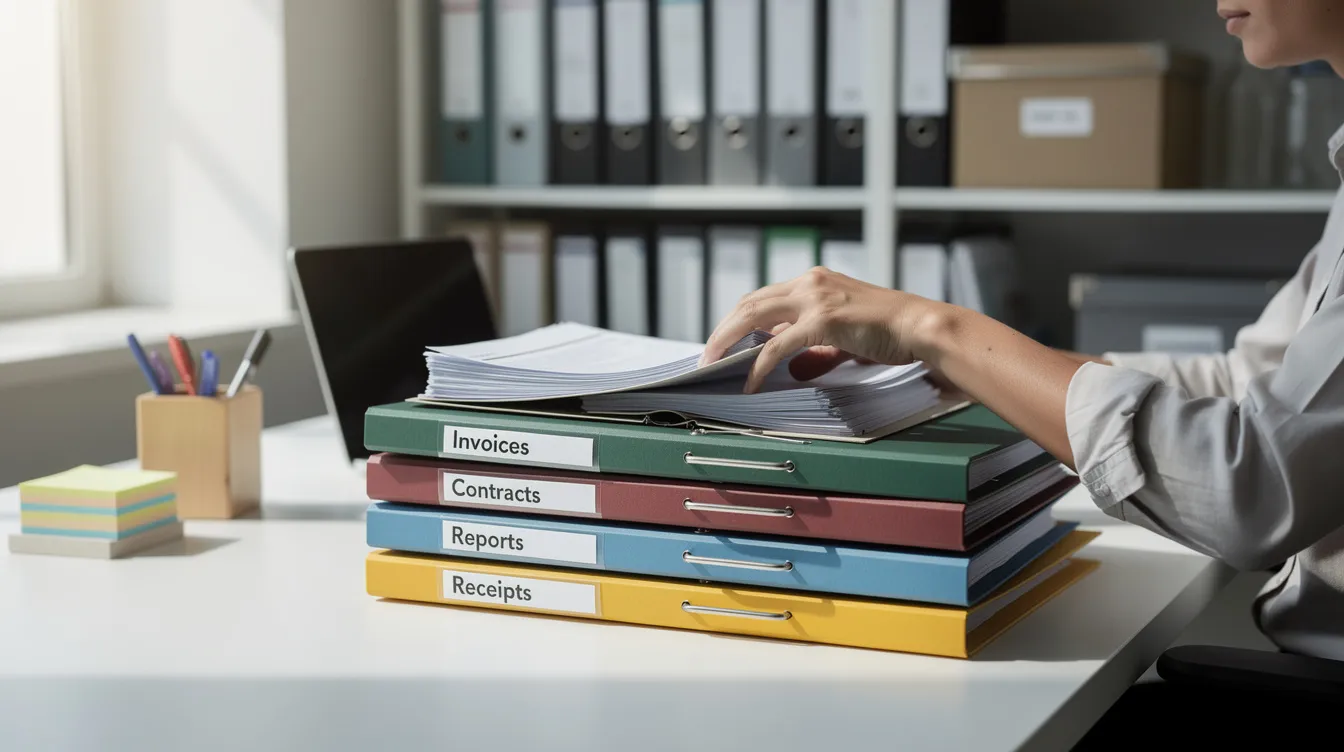
These updates are especially important after major life events such as marriage, moving, or starting a new job, when new documents need to be added or outdated ones removed. With your time plan in place, you’re ready to start evaluating your current pile of important documents.
Evaluate Your Important Documents Pile
Begin by gathering all your papers in one place and physically handling each document. This hands-on approach helps you identify what you have and assess its importance.
Initial Sorting
Start sorting your papers into preliminary piles based on categories like:
-
Vital records
-
Financial documents
-
Medical records
-
Household files
For example, place birth certificates, marriage certificates, and social security cards together as vital records since these are irreplaceable and often required for legal purposes.
Flag and Prioritize
-
Flag irreplaceable documents and set them aside for special care.
-
Identify documents that can be scanned for digital backup, prioritizing passports, identification cards, and medical records that are important for future healthcare needs.
This sorting process helps you decide which documents to keep permanently and which can be archived or discarded.
Which Important Documents To Keep
Knowing which documents to retain is crucial for both legal compliance and personal security. You should keep certain vital records and documents indefinitely because they are essential throughout your life.
Documents to Keep Indefinitely
-
Birth certificates
-
Certified copies of marriage and adoption certificates
-
Passports (proof of identity and citizenship)
-
Social security cards
Legal Documents
-
Wills
-
Power of attorney papers
-
Property deeds
Financial Documents
-
Tax returns (typically retain for seven years)
-
Proof of income
-
Bank account statements
-
Retirement plans
-
Insurance policies
Medical Records
-
Medical records
-
Health insurance policies
Keeping these documents organized and accessible will save time and stress during emergencies or life transitions.
With your essential documents identified, the next step is to create a filing system that keeps everything organized and accessible.
Create A Filing System For Important Papers
A well-structured filing system is the backbone of effective document organization. To make your system easy to use and maintain, break the process into manageable steps.
Top-Level Categories
Sort your documents into broad categories that reflect their purpose and origin. Common top-level categories include:
-
Personal Identification (passports, birth certificates)
-
Financial (bank statements, tax returns)
-
Legal (wills, deeds)
-
Medical (health records, insurance policies)
Subfolders and Labeling
Within each category, create subfolders that break documents down further by institution or year. For example:
-
Bank statements from 2023
-
Health insurance provider’s policy documents
Labeling Steps:
-
Label each folder clearly with its category and date or year.
-
Use durable labels that won’t fade over time.
-
Apply consistent naming conventions, such as “BankName_Year” or “PolicyType_Date.”
-
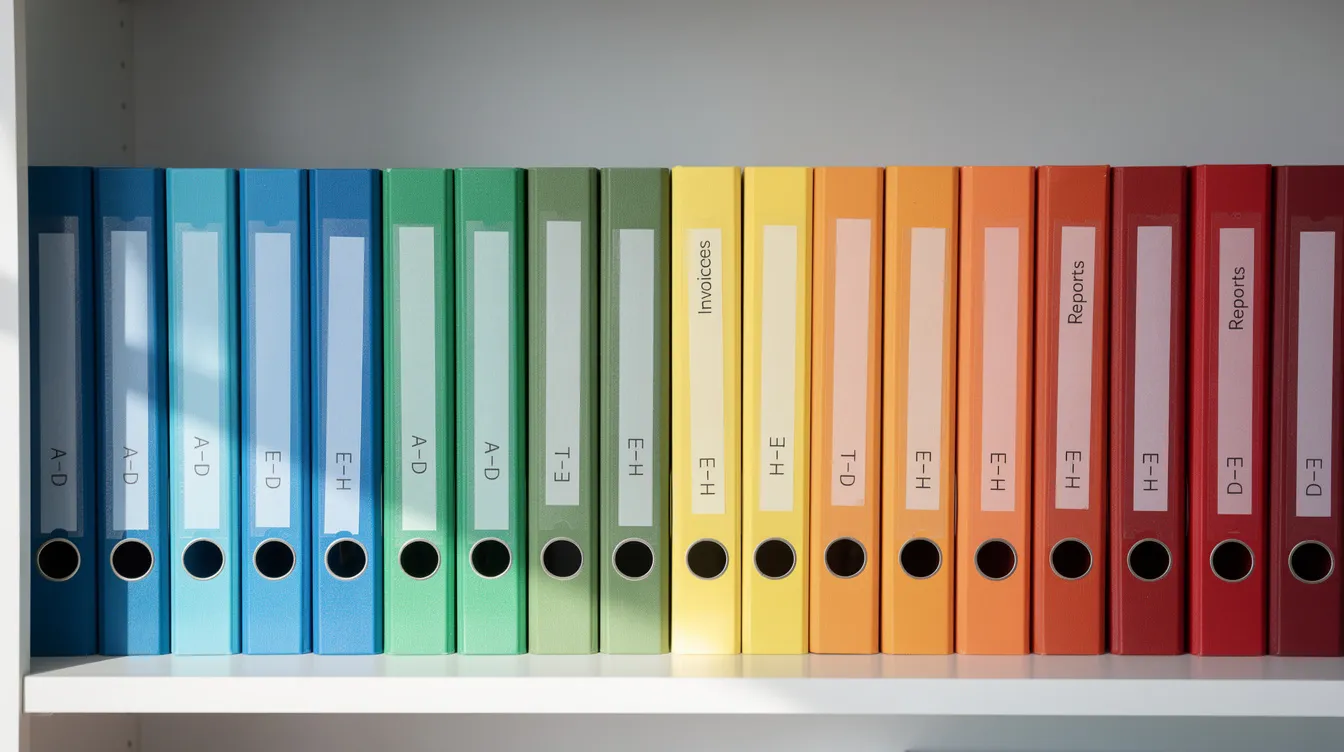
Consider color coding folders to visually distinguish categories at a glance.
Storage Location
Choose storage solutions that suit your needs:
-
Binders for frequently accessed documents
-
Folio organizers for diplomas and certificates
-
Hanging file folders for bulk storage
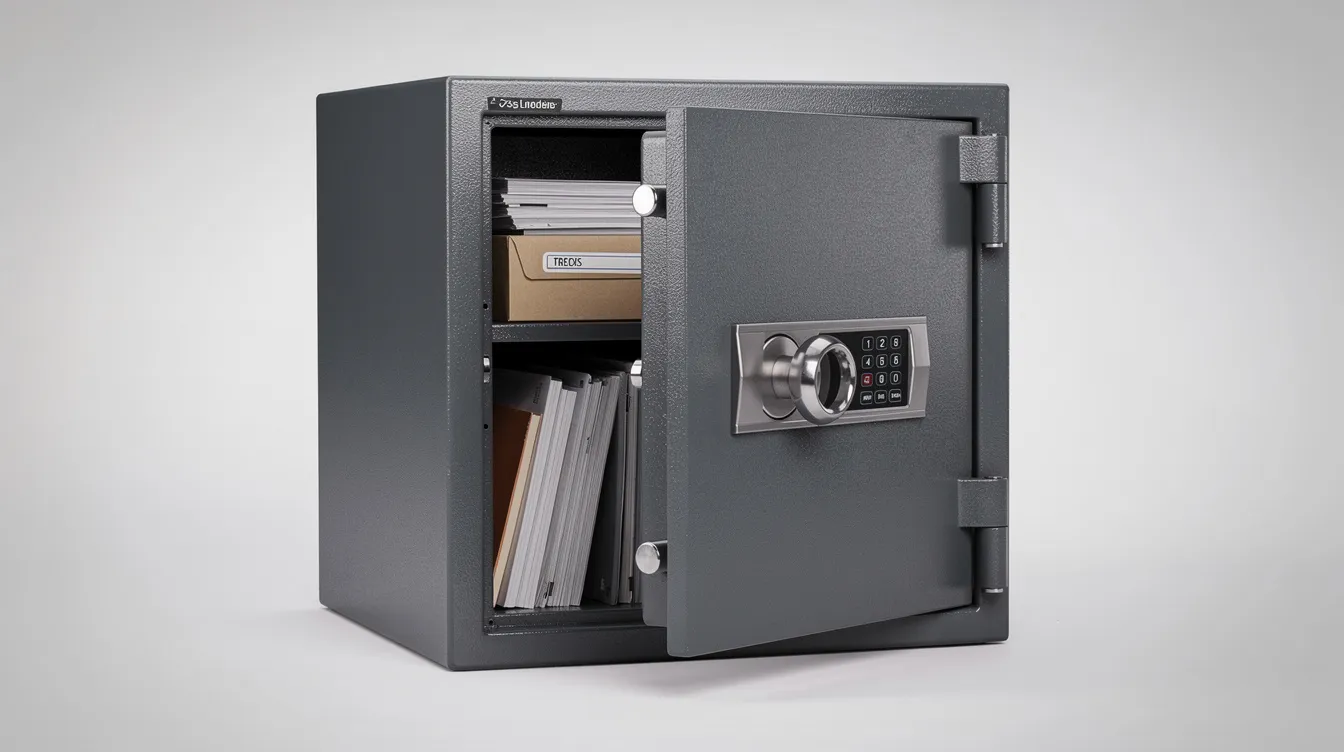
Keep your filing system in a secure but accessible location, like a locked drawer or fireproof safe. Define who can access it to maintain document security.
With your filing system in place, the next step is to decide on the format—paper, digital, or hybrid.
Paper, Digital, Or Hybrid Organizer Options
Choosing the right format for your important document organizer depends on your preferences and needs.
Paper-Only Organizer
-
Ideal if you require original documents for legal purposes or prefer the tactile experience of handling physical papers.
-
Use color-coded folders or accordion files for easy sorting and locating.
Digital-Only Organizer
-
Suits those who want to reduce paper clutter and access documents remotely.
-
Scan your documents and store them in cloud platforms like Google Drive or Microsoft OneDrive.
-
Use document scanning apps to streamline digitization.
Hybrid Organizer
-
Combines the best of both worlds by keeping original documents in a secure physical location while maintaining encrypted digital backups.
-
Balances accessibility with security and ensures you have copies in case of loss or damage.
Once you’ve chosen your organizer style, it’s important to label and index your files for fast retrieval.
Labeling And Index For File Folders
Proper labeling and indexing are essential to quickly finding documents when you need them.
Labeling Checklist
-
Label every file folder with its category and, when applicable, the date or year.
-
Use clear, durable labels to prevent confusion and fading.
-
Apply a consistent color coding system to folders for visual organization (e.g., blue for financial, red for legal, green for medical).
Creating an Index
-
Create an index page at the front of your filing system listing all folders and their contents.
-
This index saves time searching and helps you navigate your organizer efficiently.
Physical organizers, such as color-coded folders or accordion files, provide a tactile way to manage documents and quickly locate important papers.
With your files labeled and indexed, consider the best storage solutions to protect your documents.
Storage Solutions: Hanging File, Fireproof Safe, And More
Protecting your important documents from theft, fire, and water damage is critical.
Storage Options
-
Hanging file frames: Organize file folders in an office or home workspace, keeping papers upright and easy to access.
-
Fireproof and waterproof safe: Store irreplaceable documents like birth certificates and wills for protection against disasters.
-
Archival sleeves: Prevent damage from handling or environmental factors.
-
Safety deposit box: Provides offsite storage for added security.
3-2-1 Rule for Redundancy
-
Keep three copies of documents
-
Use two different media types
-
Store one copy offsite
This redundancy ensures your vital records remain safe even in extreme circumstances.
With your storage solutions in place, you can focus on organizing financial records and creating secure backups.
Organizing Financial Records And Important Document Backups
Financial records require careful organization and secure backup to support personal finance management and legal compliance.
Financial Records to Organize
-
Tax records (keep at least seven years’ worth of returns and related documents)
-
Current-year financial records (bills, receipts, medical bills)
-
Insurance paperwork and benefit claim documents
Step-by-Step: Organizing and Backing Up Financial Documents
-
Sort and File:
-
Create separate folders for each type of financial record.
-
Organize by year or institution for easy review.
-
-
Scan and Digitize:
-
Scan important financial documents.
-
Use a document scanner or scanning app for efficiency.
-
-
Encrypt and Store:
-
Encrypt digital files for security.
-
Store backups on both cloud platforms and external hard drives.
-
-
Maintain Both Copies:
-
Keep both physical and digital copies to ensure access in any situation.
-
With your financial records organized and backed up, it’s important to protect your most vital records, such as birth certificates.
Protecting Birth Certificate And Vital Records
Vital records such as birth certificates require special care due to their irreplaceable nature.
Steps to Protect Vital Records
-
Place original birth certificates in archival sleeves to prevent damage.
-
Store certified copies separately in a secure location as a backup.
-
Keep a record of where these documents are stored in an emergency instructions file.
-
Inform trusted individuals of the storage location for quick access if necessary.
Protecting these documents ensures you can access them when needed for legal, travel, or medical purposes.
After securing your vital records, regular maintenance will keep your organizer up to date and clutter-free.
Maintenance: Monthly And Annual Tasks For Important Documents
Maintaining your important document organizer is an ongoing process that keeps your system efficient and up to date.
Monthly Maintenance Tasks
-
Review new documents and add them to the appropriate folders.
-
Purge temporary paperwork such as outdated bills, expired warranties, and irrelevant records.
-
Ensure your organizer remains manageable and clutter-free.
Annual Maintenance Tasks
-
Schedule a comprehensive review to update vital records, personal information, and health documents.
-
Remove outdated or no longer relevant papers.
-
Verify that your digital backups are current and rotate storage media to maintain data integrity.
Establishing these routines ensures that your document system remains reliable, especially after major life events like marriage, job changes, or moving.
Secure Sharing And Emergency Access
In emergencies, quick access to important documents can be critical.
Emergency Access Checklist
-
Create a “Just To Be Safe” document with emergency instructions, contact information for attorneys or financial advisors, and locations of vital documents.
-
Share access to this file with a trusted family member or legal representative.
-
For physical organizers, keep emergency files in a secure but accessible location and inform trusted individuals of their whereabouts.
-
For digital setups, use shared encrypted cloud folders with restricted access.
Preparing for emergency access minimizes stress and ensures your wishes are respected during unexpected situations.
With emergency access set up, you can safely dispose of outdated or unnecessary documents.
Disposal: How To Shred And Remove Old Papers
Proper disposal of sensitive documents protects your privacy and identity.
Steps for Safe Disposal
-
Confirm retention requirements before discarding any papers.
-
Use a cross-cut shredder to destroy documents containing personal or financial information.
-
Take advantage of free shredding events at community banks and credit unions for large volumes.
-
Keep a log of disposal dates in your filing system to track what has been shredded.
-
Regularly remove outdated receipts, bills, and other temporary documents to keep your organizer lean and relevant.
After disposal, consider how to present and store your most important certificates and diplomas.
Product Options And Presentation: Folio Document Organizer And Covers
Presenting and protecting your most important documents can be both functional and stylish.
Presentation Options
-
Folio document organizers: Excellent for diplomas, certificates, and other formal papers, providing protection and a professional appearance.
-
Custom certificate holders: Add a touch of elegance and are ideal for ceremonies or gifting.
-
Made-to-fit diploma covers: Accommodate unusual document sizes for a perfect fit.
-
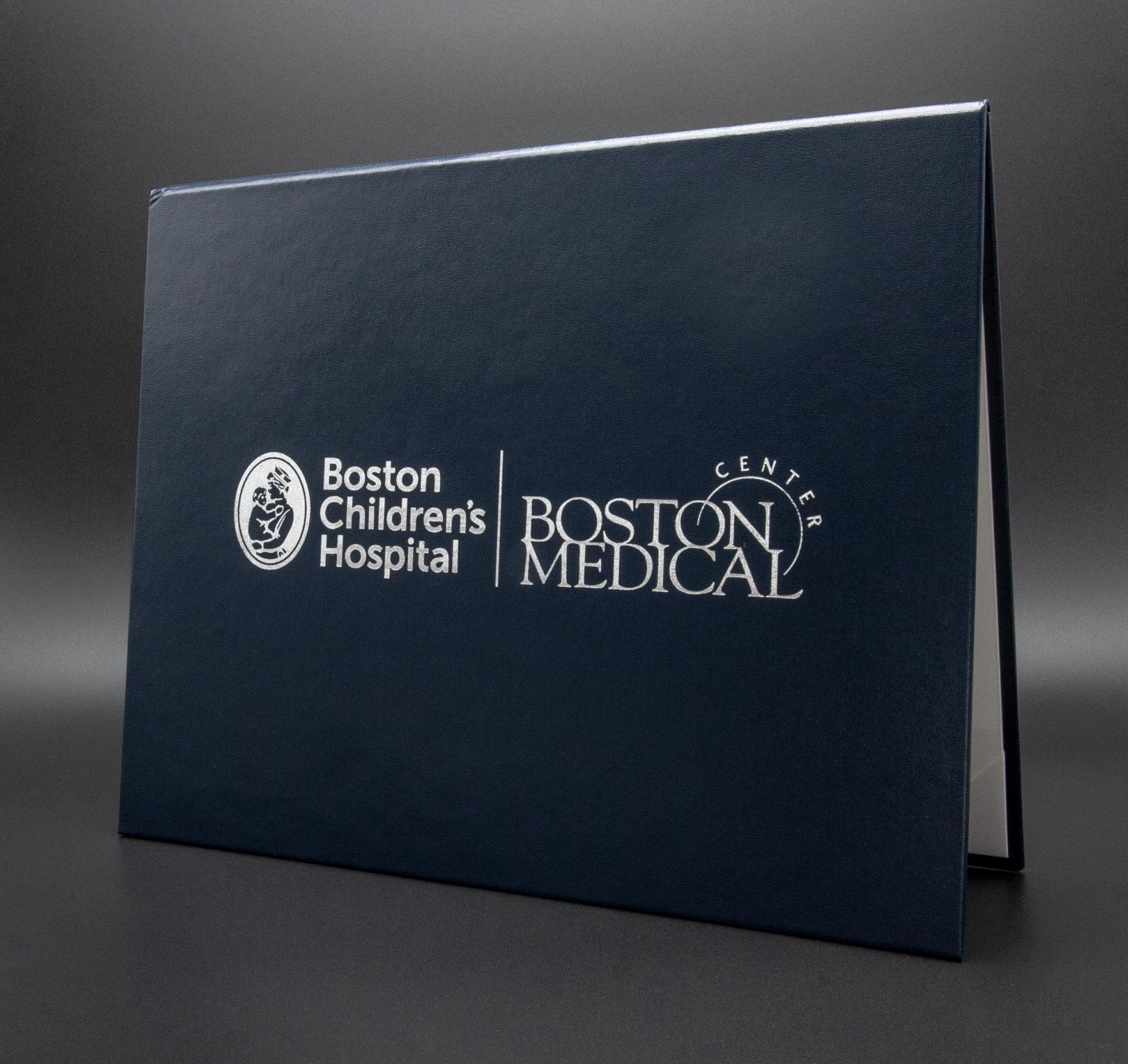
Tent-style certificate covers: Allow for easy display during presentations and events, including diploma phrase tent-style covers that professionally showcase academic achievements.
Choosing quality presentation products helps preserve your documents and honors their significance.
With your organizer complete, use the following checklist to ensure nothing is overlooked.
Final Checklist For Your Important Document Organizer
Before concluding, verify the following:
-
All original documents are securely stored.
-
Digital backups are encrypted, accessible, and saved in at least one secure backup location.
-
Emergency access instructions are shared with a trusted contact.
-
The next maintenance date is scheduled.
-
The organizer is reviewed after major life changes to keep documents current and maintain an efficient system.
Following this checklist ensures your important document organizer remains a reliable resource for years to come.
Key Aspects Checklist: Hybrid Systems, Maintenance, Backup, Folder Structure, and Emergency Access
To ensure your important document organizer is comprehensive and effective, consider these key aspects:
-
Combine physical and digital methods for maximum security and accessibility.
-
Set monthly and annual reminders to review, update, and purge documents.
-
Always keep at least one encrypted backup using cloud storage and an external hard drive.
-
Maintain a clear folder structure with consistent naming and labeling.
-
Prepare an emergency instruction document granting access to a trusted person.
By following these guidelines, you’ll have a robust, secure, and easy-to-maintain important document organizer that brings peace of mind and readiness for any situation.
Discover the perfect way to protect and present your important documents with Honor U's custom tent-style document covers with metallic foil printed logos and certificate holders. Enjoy fast 1-day turnaround, no minimum order requirements, and premium metallic foil printing tailored to your unique needs. Whether for graduation, awards, or professional achievements, Honor U ensures your documents look their best. Purchase your custom cover today and experience the difference that quality and speed make!